
Jukebox
The Jukebox lets the people on the sidewalk run the show. A rendered card with a QR code plays on the house between shows; a visitor scans it, sees the shows you offer, picks one, and it plays after the current one. The sound can play on their own phone in sync with the house, and the same page carries the jump scare pads, the Turtle card, games and the Pet Show. Nothing to install: it is a web page.
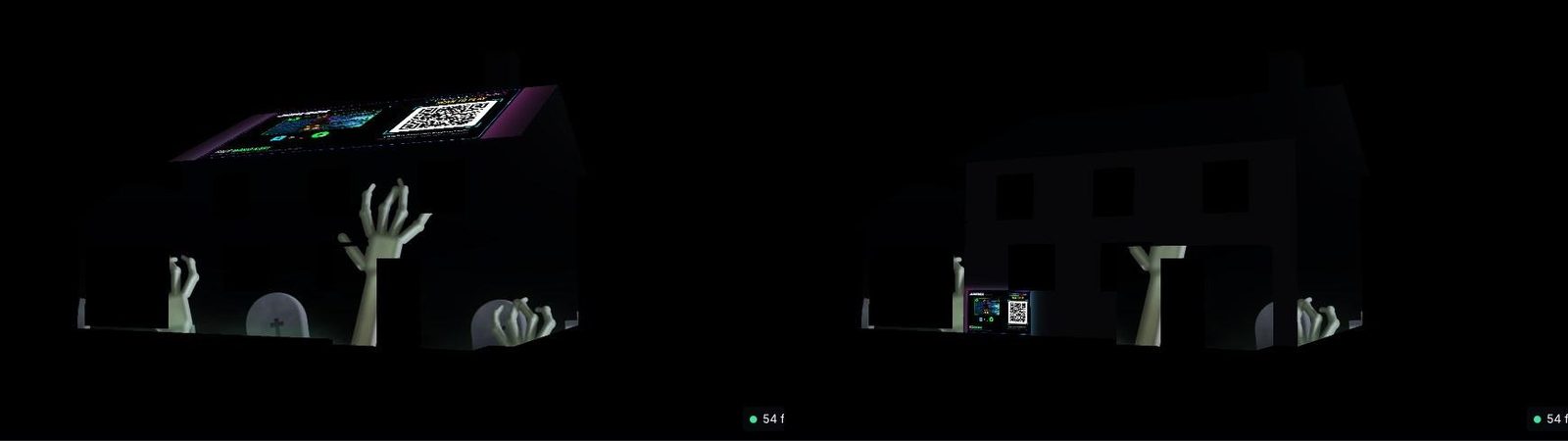
Set it up
- In Remote Display, open Jukebox, games & TV → Jukebox and create the Jukebox. Give it a public name (this is in the QR link) and a welcome message.
- Add shows. Each show is a video from your media library (or a game) under a public show name with a picture. Renaming it here never renames the file, and removing it never deletes the video. The lists show videos rendered in the designer; tick the option to also list uploaded files.
- Open hours. The Jukebox opens and closes at the times you set; outside them visitors see your message while locked. The lock bar at the top of the Now and Jukebox sections lets you close it by hand.
- Limits. A queue cap, a cooldown between picks, and minutes per visit and per play keep one phone from hogging the house.
- Make the intro card. The QR card is rendered from the designer's Remote Display tab, which has your house: pick the face it plays on, the house effect behind it, and render. It plays on that face, sized to be read from the street, whenever nothing else is on.
- Give the Jukebox a place in the schedule: a Jukebox pick is an override, and the card plays while the Jukebox is open and idle.
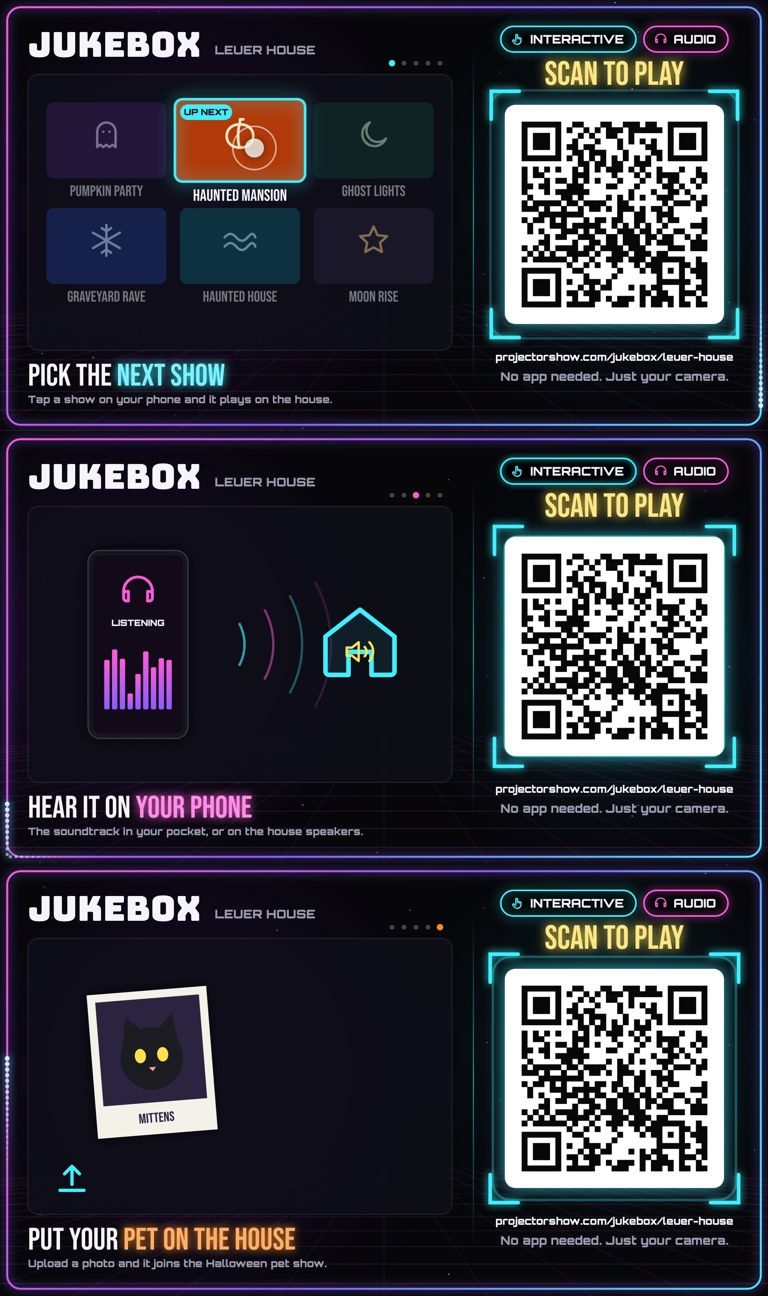
One pick never cuts another short. A pick waits for the current show to finish and then plays from the start, including when you started that show yourself from the remote.
Sound on the phone
With phone listening on, the visitor's phone plays the show's sound in sync with the house, so a quiet street stays quiet. The Jukebox's speakers, their levels and phone listening are in Screens & sound → Sound. Your own phone remote and button remotes can turn the house sound on for a few minutes when a crowd gathers.
Jump scares
Under Effects, add scare effects with a pad icon and label; each gets a pad on the visitor page. A scare blends over whatever is playing, ducks the show's sound and fades back. Each pad has its own cooldown; your own presses from the phone remote skip the visitors' wait. See the Halloween effects and the TV Static effect with its buzz.
The Turtle card
Once the display has a Jukebox, a Turtle sub-tab appears. A scene is made
in Turtle Studio: who plays (Turtle, Shark or your own model), the camera
and light, and your own buttons (takes: a move with its sound, like a
hello). Visitors get a pad of those buttons and the box animates the character
live on the face you pick. It needs the box's browser (the installer adds it
unless you passed --no-live).
Visitor stats
Visitor stats shows how many phones opened the page, what they picked, and the answers to the optional survey. The visitor page can also offer a promotional banner and an "interested in a projector show?" sign-up for a local company.
What visitors see
The link from the QR code opens a dark page with the shows as cards, what is playing now, the pads, and the sound toggle. A pick shows its place in the queue. The games pad turns the phone into a controller, and Put your pet on the house opens the Pet Show wizard. Everything runs in the phone's browser.