
Desktop app for Windows and Mac
The desktop app is the same designer you use in the browser, in its own window, with the things a browser cannot do well: panels that pop out into real windows on any monitor and keep running at full speed behind other windows, a projector output that goes full screen on the screen you pick, and windows that reopen where you left them. Because it loads the live site, new features arrive without reinstalling.
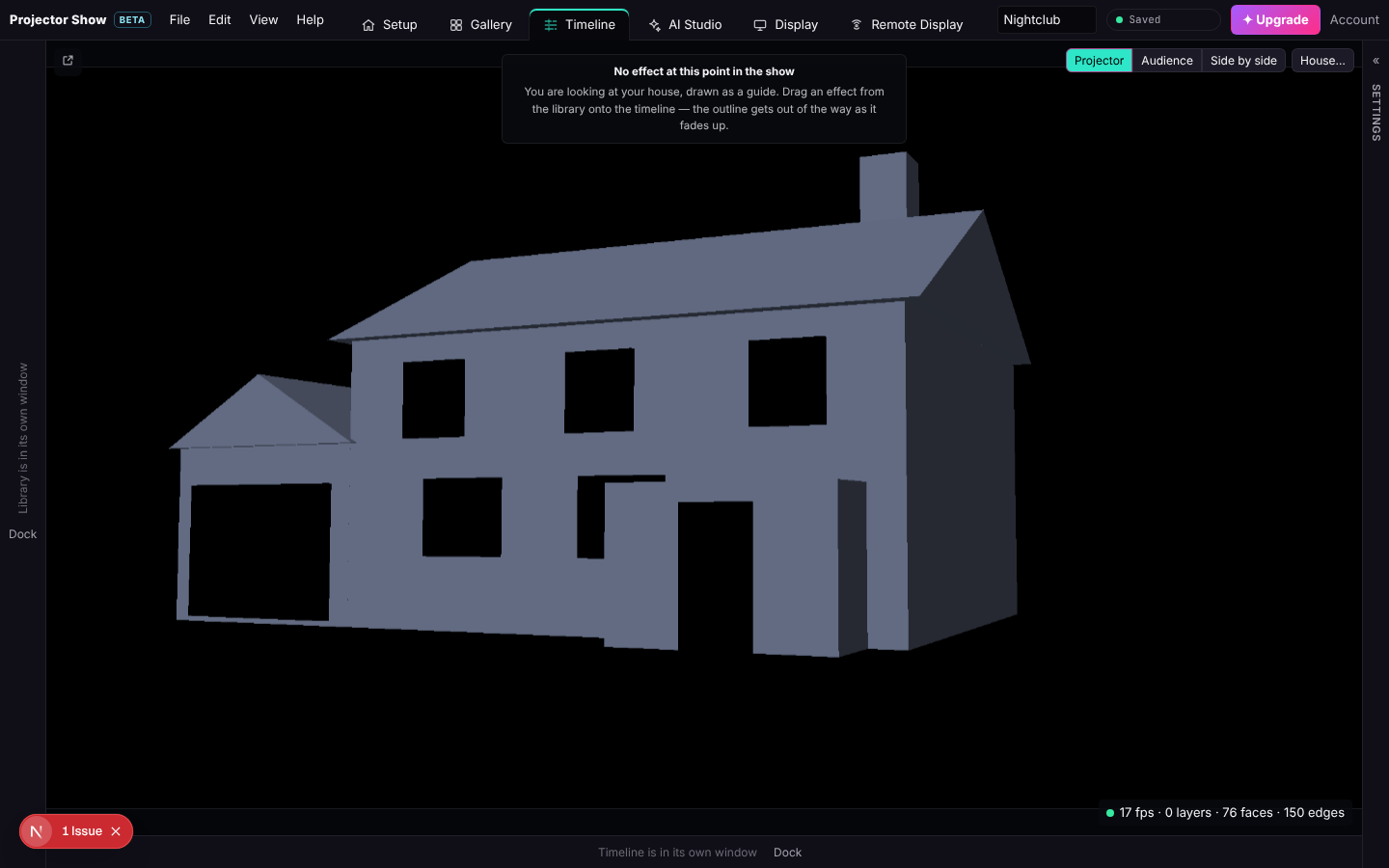
You do not need it. The browser at projectorshow.com/app does everything the app does except the window handling. Your shows, media and displays are the same in both.
Install
Download from the download page:
- Windows: Windows 10 or 11, 64-bit. Run the installer and agree to the licence.
- Mac: macOS 12 or later, Apple silicon or Intel. Open the disk image and drag Projector Show to Applications.
The first-run warning
The app is not code-signed yet, so both systems warn once:
- Windows shows "Windows protected your PC". Choose More info, then Run anyway.
- Mac says the app cannot be opened because it is from an unidentified developer. Open System Settings → Privacy & Security, scroll to the message about Projector Show and choose Open Anyway, then open the app again.
This happens once per install.
Sign in
The app signs you in through your normal browser: choose File → Sign in with your browser…, sign in (or create an account and verify your email) on the page that opens, and the app picks the session up. Signing out works the same way as on the site.
The Projector menu
Projector → Show the projector output on lists every screen attached to the computer. Pick the one the projector is on and the designer's projector window goes full screen there. If you pick nothing, the app uses the first screen that is not your main one. Leave the output in a window goes back to a normal window you can drag yourself.
Pop-out panels
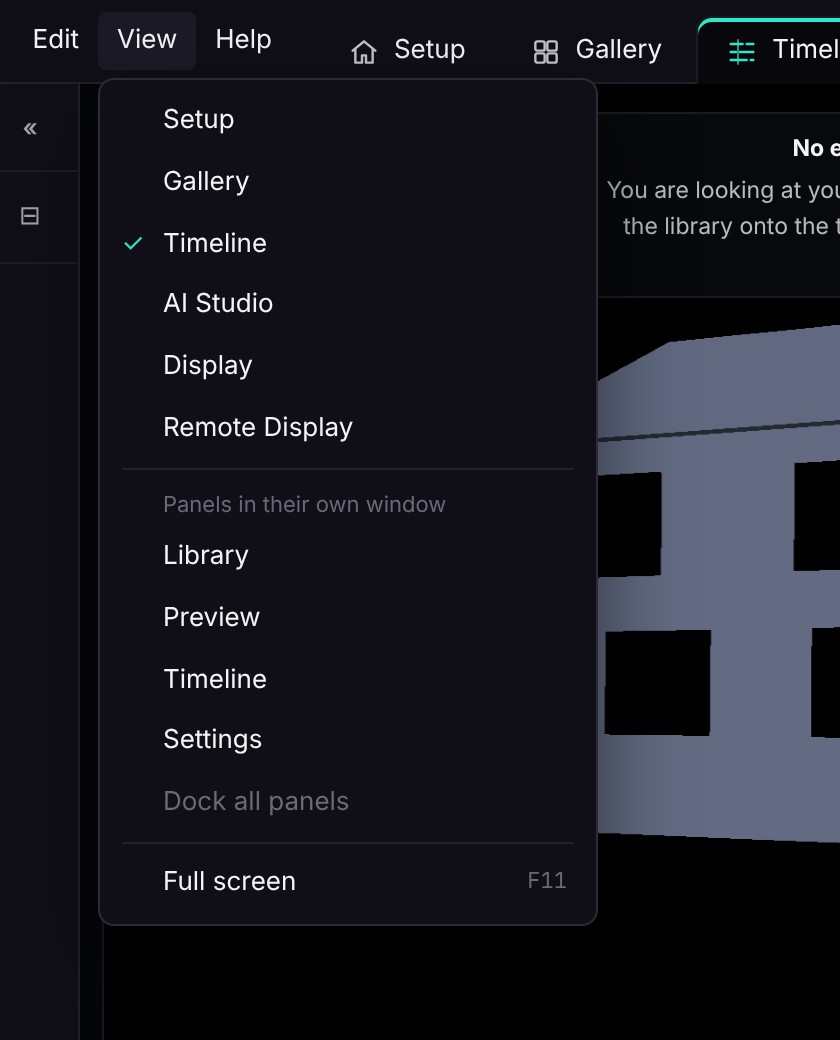
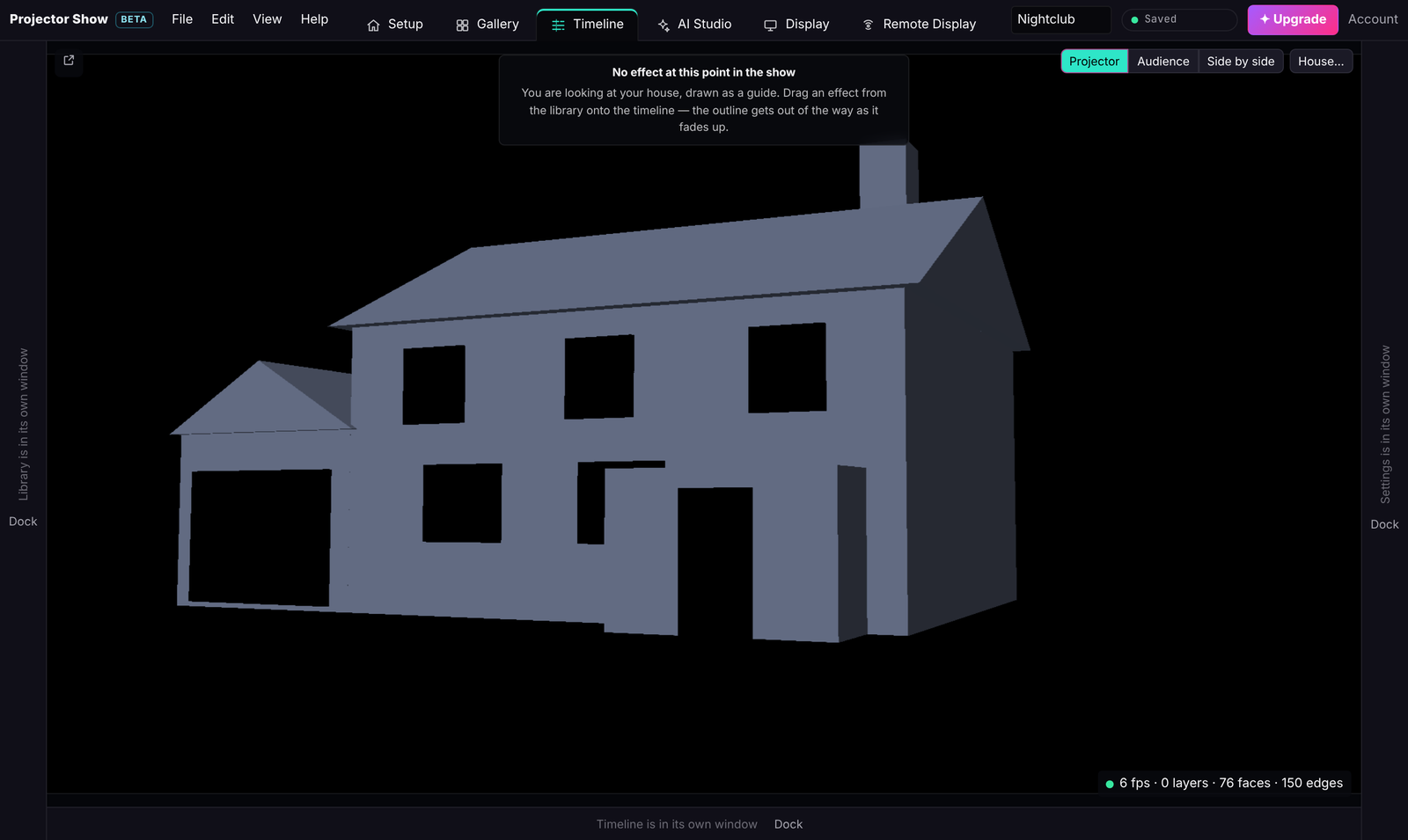
Under View → Panels in their own window you can pop out the Timeline, Library, Preview, Settings and the other panels. Each becomes its own window you can move to any monitor; what you change in one is live in the others. Dock all panels brings them back. The same pop-outs work in the browser, with the difference that a browser slows a window down when it is hidden and the app does not.
Window sizes and positions are remembered. A window saved on a monitor that has since been unplugged is ignored, so nothing opens off-screen.
Updates
At start the app checks for a newer version for your platform and offers the download. Help → Check for updates… does the same by hand. Everything inside the app (effects, the designer, Remote Display) updates with the site without a reinstall.
Uninstall
Windows: Settings → Apps → Projector Show. Mac: drag it out of Applications. Your shows live in your account, not in the app, so nothing is lost.