
Effects
Effects are the built-in visuals: plasma and tunnels, bulbs and chases, a garage door that rolls up, a jack-o'-lantern made of your windows, words that wrap round the house. They live in the Library on the left of the Timeline tab, under Effects. Click one to audition it live on the model, tune it in the parameters panel while it plays, and press + Track to drop it onto a track at the playhead.
The four domains
The domain decides how an effect meets the house, and it is the most useful thing to know when choosing one.
| Domain | What it means | Examples |
|---|---|---|
| Projector space | Drawn flat in the projector picture, then clipped to the building. | Plasma, Tunnel, Kaleidoscope, Fire, Nebula, Retro grid, MilkDrop presets, most titles |
| Wrapped on surfaces | Painted into each face in metres, so patterns turn corners and keep their scale from wall to wall. | Face flood, Tiles, Drip, Portal windows, Growth, Dissolve bricks, Wall Titles |
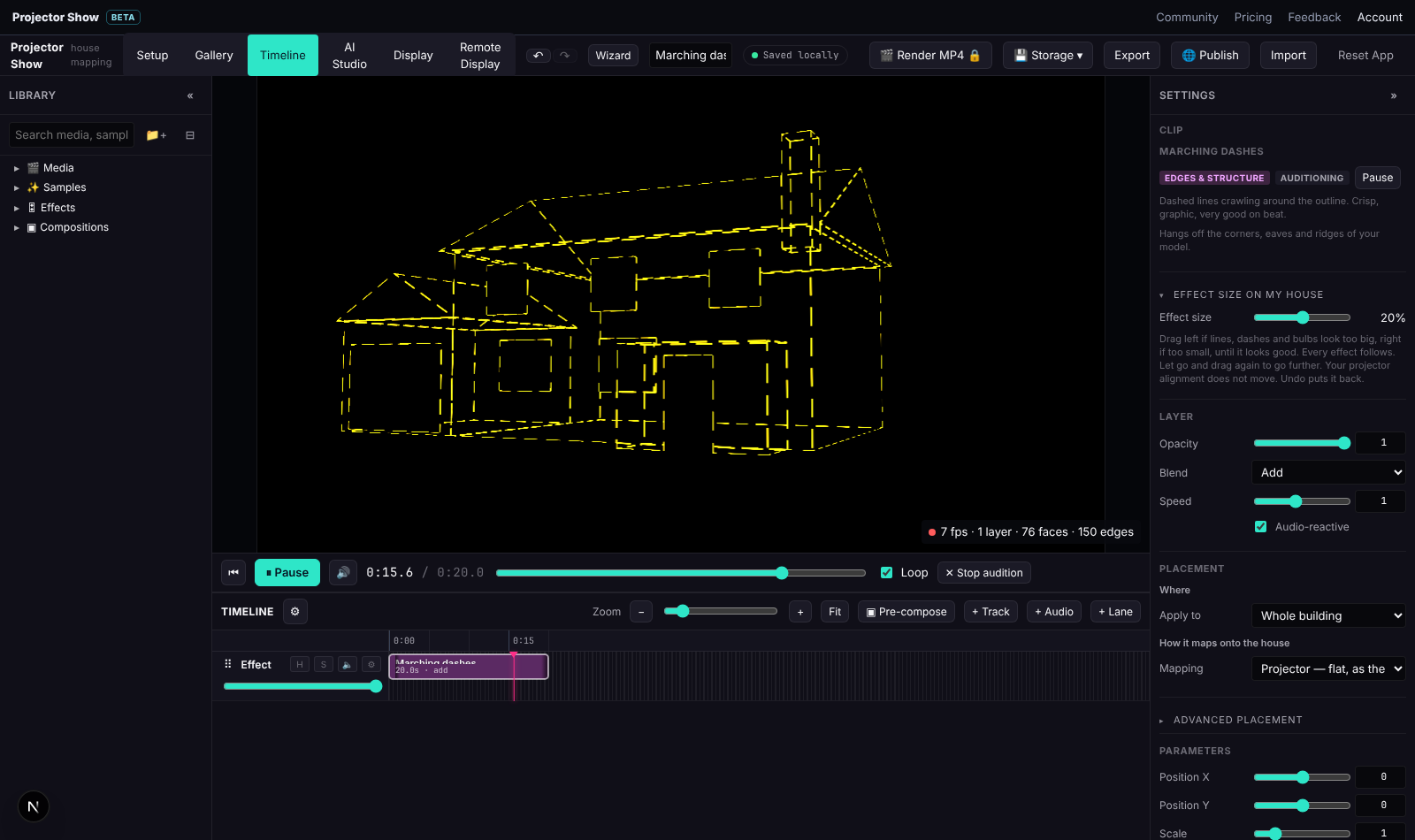
| Edges & structure | Ribbons and particles that hang off the corners, eaves and ridges of the model. | Neon outline, Edge chase, Lightning, Sparks, Fireflies, Searchlights, light shows |
| 3D worlds | A real 3D scene rendered through the projector camera. | Starfield warp, Flying city, Snow / rain, windows and doors, characters |
Where it plays
Every clip has a Where / Place on section in the inspector:
- Main stage: the part of the house the House panel calls the main stage.
- Pick a face…: click a window, the garage, the roof or any face on the model. Pick several faces selects more than one.
- Part of the house: the front, the roof, all the windows, all the doors, the garages.
- Nothing (place it by hand): position it yourself with the numbers.
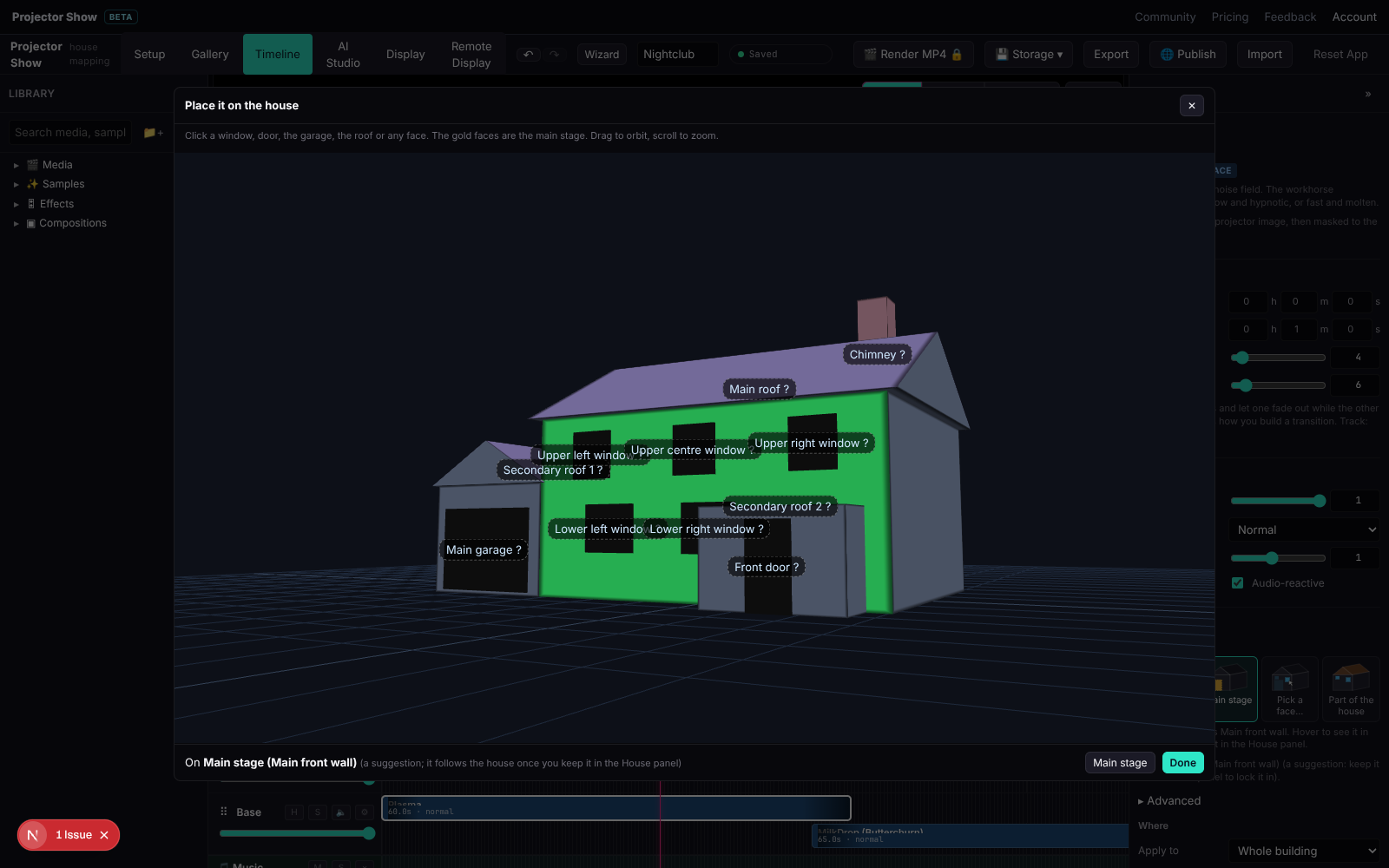
A placed clip follows the house when the model changes. Effects that cannot be moved yet are kept inside the target instead. For a wall that the trace split into several faces, One picture across all its faces stretches a single picture over the lot.
See through lets an effect show through everything in front of it; off is the default so effects stay behind porches and bays like real light would.
Parameters and animation
Each effect has its own parameters: colours, speed, density, text, fonts. Hover a parameter for what it does. Any number, colour, toggle or choice can be animated with keyframes along the clip (and so can the clip's opacity), with linear, smooth or hold easing. Keyframes are relative to the clip, so retiming the clip stretches its animation.
Audio reactivity: with sound on the timeline, every effect gets bass, mid, treble, level, a beat pulse and the spectrum. Without sound, the analyser synthesises a groove from the show's BPM so audio-reactive effects still move while you design in silence.
Effect size and house size
Effects that draw real-world things (bulbs, bricks, doors, characters) use the house size to come out the right size. Each such effect also has an Effect size slider in the inspector to make it bigger or smaller than life without touching the house.
Text and titles
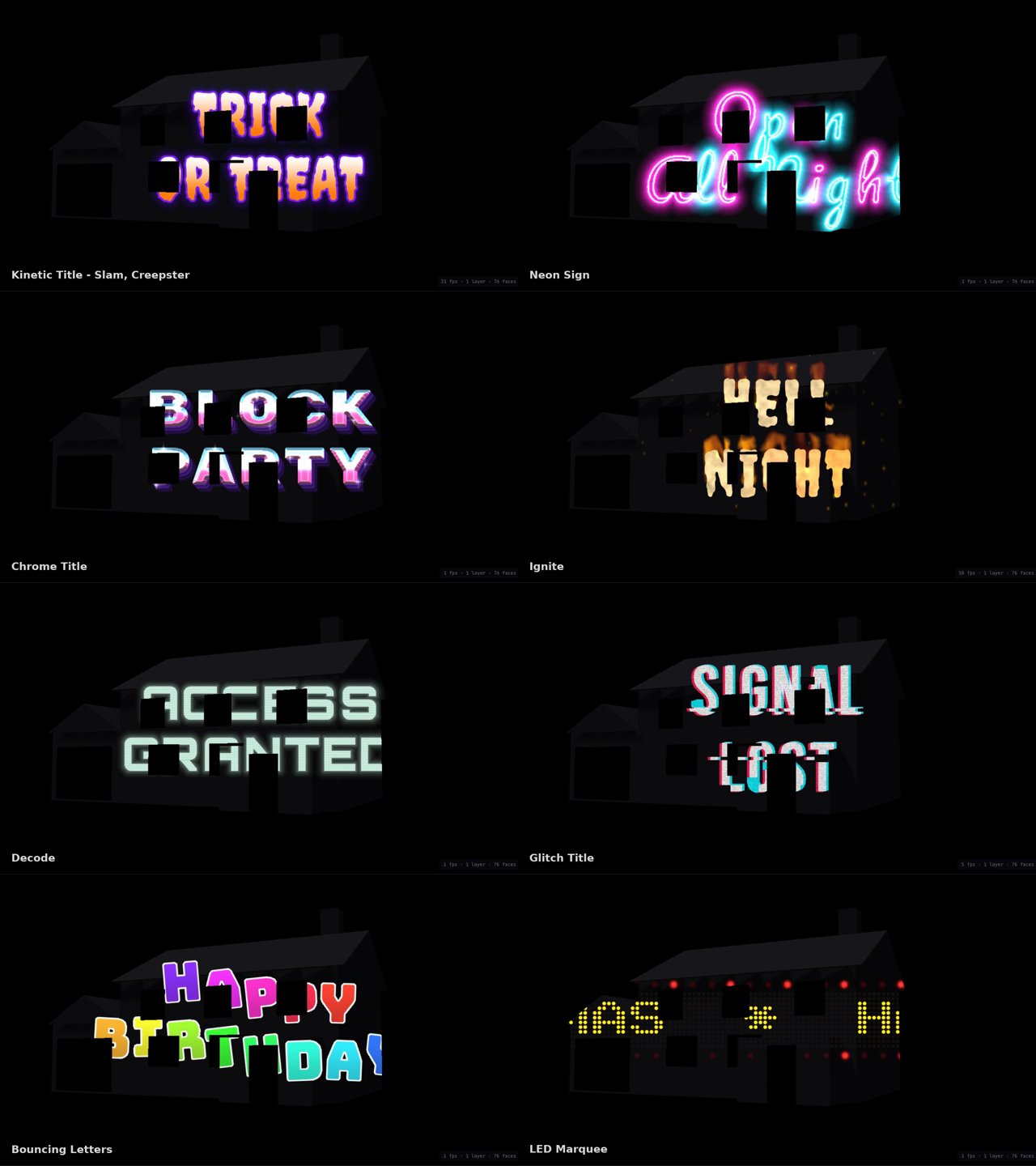
Type the words in the parameters panel (Enter for a new line) and pick one of the bundled display fonts. Kinetic Title (rise, drop, zoom, slam, spin, flip or stretch in letter by letter), Neon Sign, Chrome Title (with Gold and Ice), Ignite, Decode, Glitch Title, Bouncing Letters and LED Marquee sit square to the projector picture. Wall Titles, Type Ribbons and Topo Type are laid out on the faces of the house, so words follow the walls and gables and step around the windows. Titles build out as the clip ends, or loop with Repeat every; countdowns and ready / set / go sequences are built in.
Light shows
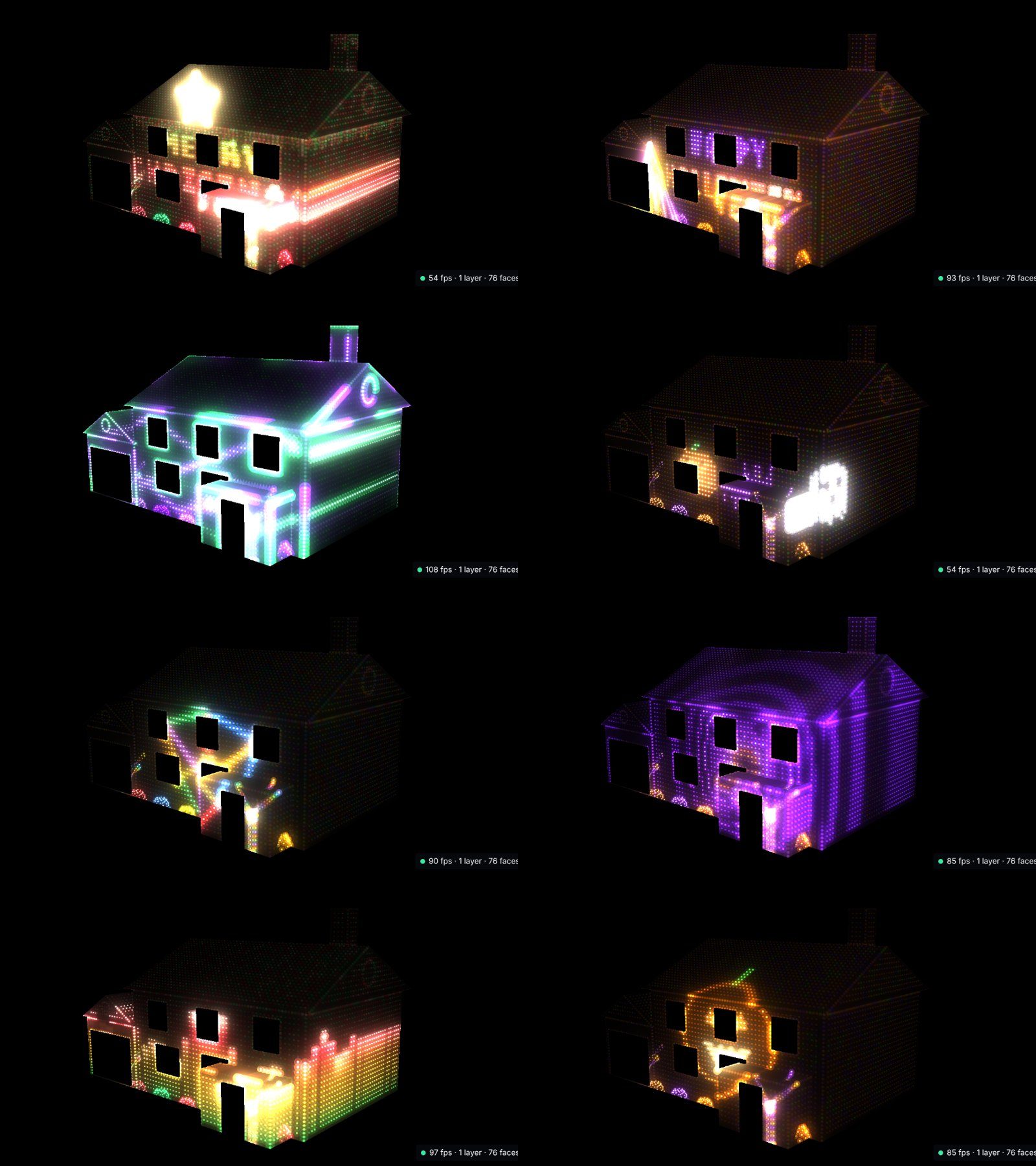
The light show effects lay thousands of glowing bulbs over the walls and roof and light them with patterns that follow the music: sweeps, chases, ripples, twinkles, VU meters, fountains, tunnels, neon outlines, words spelled in bulbs and pixel art. Christmas auto show and Halloween auto show open on a greeting and pick patterns by the song's energy. Yard props (bushes, trees, paths, stars, a mega tree) extend the show off the house. For every hit placed by hand, use the AI assistant, which finds the kicks, snares and hats and plans face changes per section.
Windows and doors
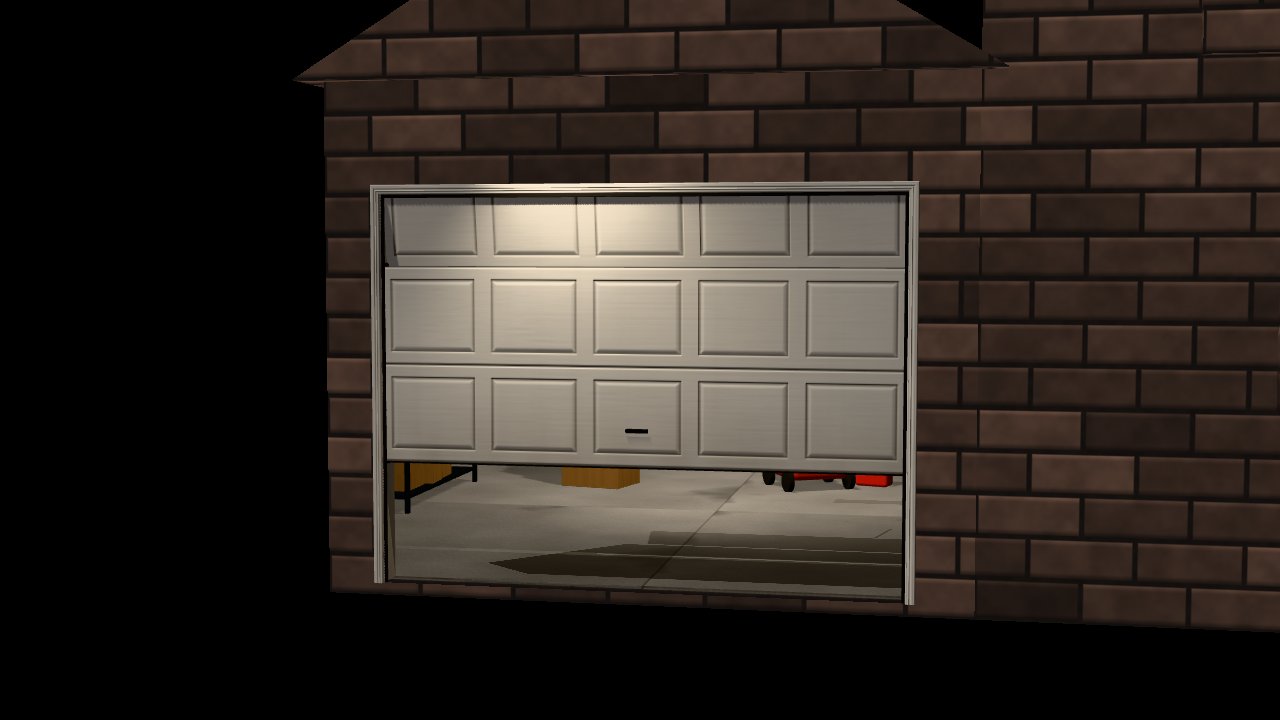
These build a 3D door or window on the openings of your model and a lit room behind it: Garage Door and Breaking Garage, Shattering Window and Opening Window (casements, French windows, shutters), Opening Door and Breaking Door. Each can open, close, repeat or stay open, with creak, blown or slam timing. Room lights flicker, strobe, pulse like fire or flash like lightning, and a silhouette can pass behind the glass. Whole-house looks repaint the house as brick or siding, or as a glowing wireframe. They use the traced windows and doors, cut-in recesses or blocks you name; with none found they put a stand-in opening on the main wall.
Halloween and jump scares
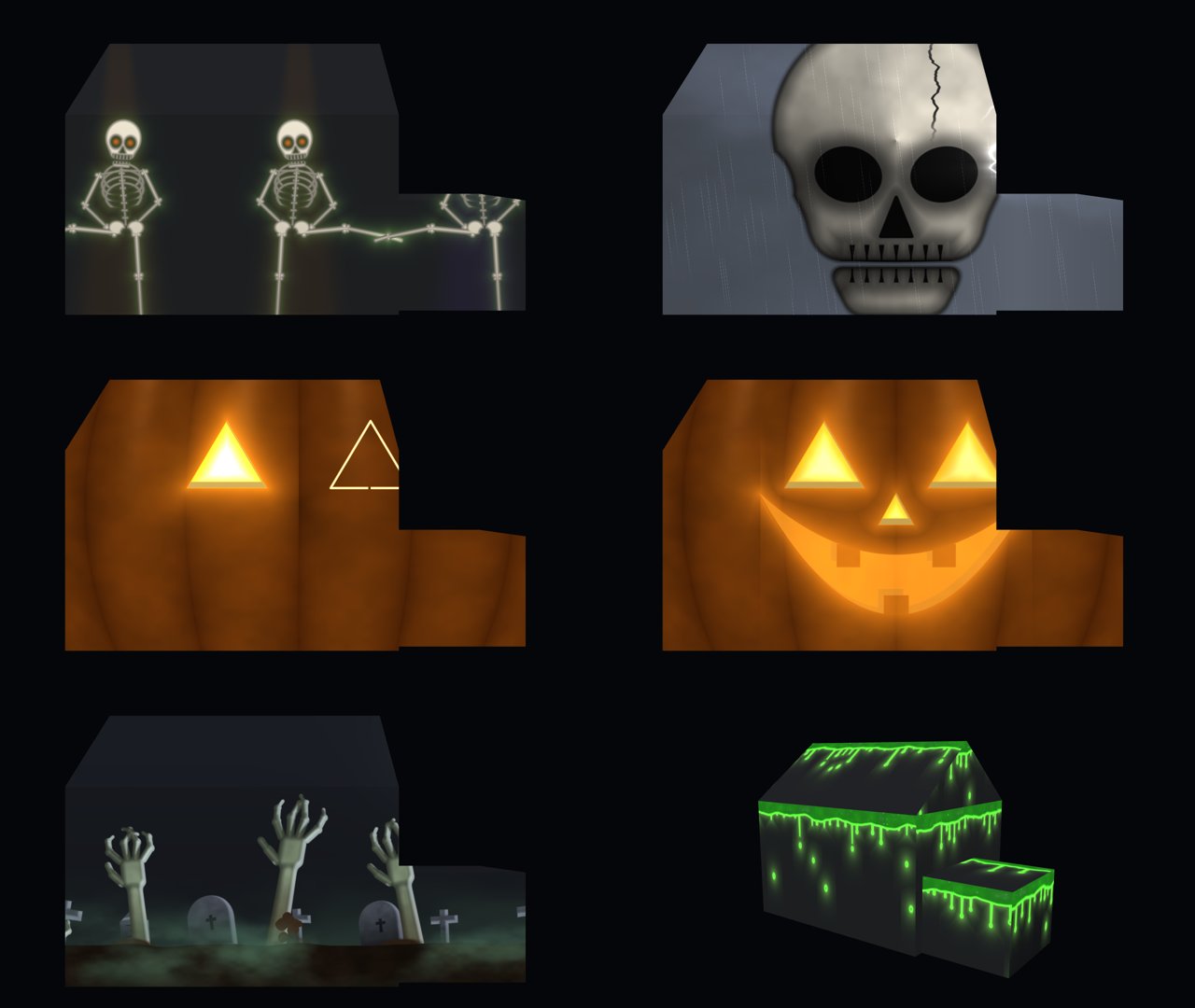
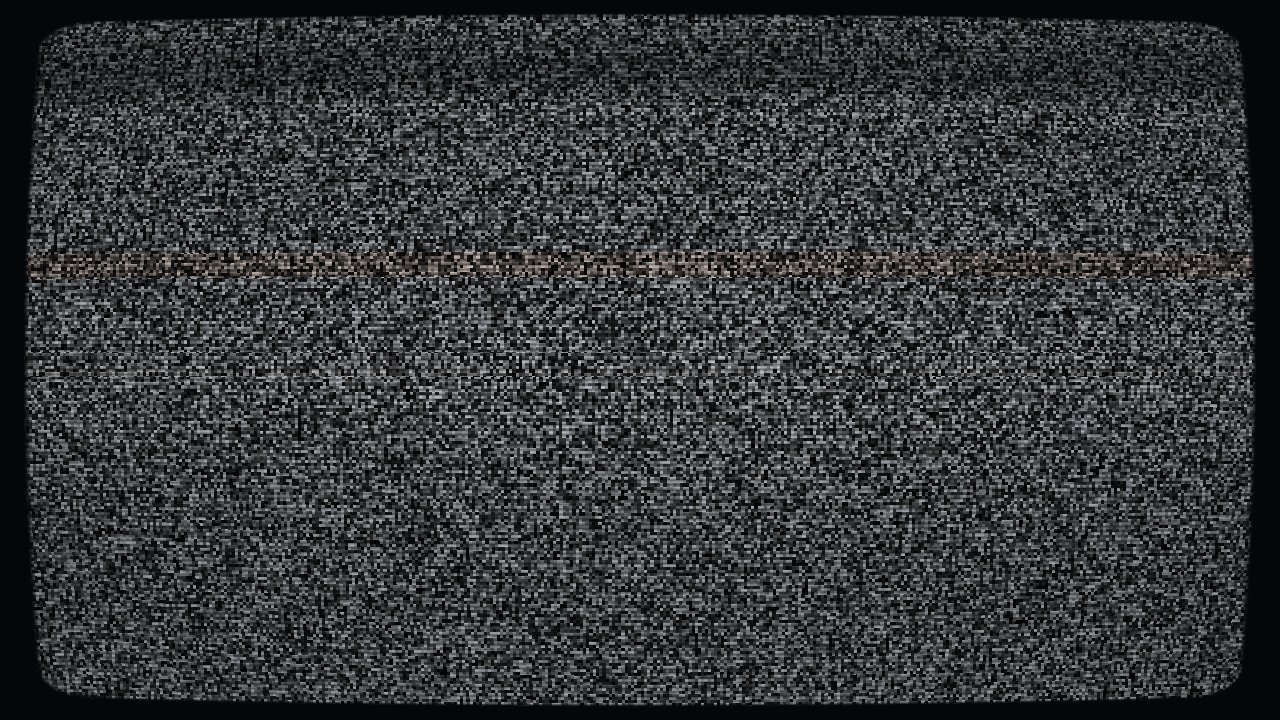
Skeleton Dance, Storm Reveal, Jack-o'-Lantern House (your windows become the eyes), Graveyard Rising, Ectoplasm and TV Static know where the walls, roofs and openings are. Scare effects are made to blend over a running show, duck its sound and fade back; they are what the phone remote, button remotes and Jukebox visitor pads fire. See Jukebox.
Premium effects
Some effects are premium. Auditioning any effect is free; using a premium one in a render or a playlist needs it unlocked, either on its own or with a plan. The price shows on the effect's card, and pricing lists the plans.
Your own content
The Library's Media tab holds your uploaded video, images and sound, and Samples holds sample shows and houses to start from. Video and images go on the timeline like any effect and can be fitted to a face; see Timeline and media. Shaders can also be imported from Shadertoy for a custom full-frame effect.